Hardware specifications and system requirements for running Meta Muse AI locally
An analysis of the hardware specifications, memory envelopes, and system requirements necessary to deploy Meta's 30-billion-parameter Muse models locally on consumer laptops and workstations.
Architectural overview and base system demands
29.6B
Base Language Model Parameters
1.8B
Vision Perception Encoder
131K+
Token Context Window
55–64 GB
Uncompressed VRAM Needed
Source: Meta Muse Glimmer Specifications
Meta’s release of the Muse model family—specifically Muse Glimmer—is a dense causal transformer for local, always-on agentic workflows according to Meta Muse Glimmer documentation. With approximately 29.6 billion parameters, the architecture includes a perception encoder of about 1.8 billion parameters to process multimodal inputs like text and images. The model has 52 language-model layers, using grouped-query attention and a 2,048-token sliding window across local-attention layers. It also supports an extended context window of 131,072 tokens or more, allowing it to parse large documents, code repositories, and multi-turn tool histories under an Apache-2.0 license.
Running a 30-billion-parameter architecture on local consumer hardware requires significant compute and memory. In an uncompressed, full-precision configuration, a network of this size needs 55 GB to 64 GB of VRAM just to load the weights as detailed in hardware requirement reports. Full precision is typically reserved for enterprise servers, cluster-level research, or fine-tuning. To make this work in local environments, quantization must compress the base language model to under 20 GB.
Parameter size is only part of the total memory budget needed for active inference. A deployment needs overhead for the key-value (KV) context cache, the 1.8B vision perception encoder, the speculative-decoding drafter engine, runtime buffer queues, and the OS. Since memory use increases as the active token context grows toward 128K, planning should look at the entire operational memory envelope rather than just static file sizes.
Quantization targets and memory allocation tiers
Meta Muse Glimmer Local Deployment Tiers
| Deployment Tier | Memory Envelope | Weight Footprint | Accuracy Drop | Target Workload |
|---|---|---|---|---|
| K-Quant-17GB | 24 GB VRAM / Unified | ~17 GB (4-bit) | 1.0% | Text-heavy, low-concurrency tasks |
| K-Quant-Dynamic | 32 GB VRAM / Unified | Quantized dynamic | 0.2% | Multimodal agent workflows & coding |
| Full Precision | 64 GB VRAM | 55–64 GB | 0.0% (Baseline) | Evaluation, fine-tuning & research |
Meta outlines three deployment tiers based on precision and memory, starting with the compact K-Quant-17GB target. This 4-bit configuration reduces core weights to about 17 GB, designed to fit within a 24 GB VRAM or unified memory envelope. Meta’s benchmarks show that this profile has only a 1.0% average performance drop across 15 standard evaluations compared to full precision. In a 24 GB envelope, the remaining 7 GB is used for the quantized speculative drafter, visual encoding, and a small KV context buffer for low-concurrency, text-heavy tasks.
For deployments needing higher reasoning accuracy and multimodal processing, Meta provides a K-Quant-Dynamic target for a 32 GB memory envelope. This tier has an average performance drop of only 0.2% across benchmarks, staying nearly equal to uncompressed baselines while keeping critical reasoning and coding capabilities. The 32 GB allocation provides the memory needed to process high-resolution screenshots, maintain agent memory states, and prevent out-of-memory errors during long-context execution.
The top tier uses full-precision weights requiring 64 GB of VRAM. While unnecessary for daily desktop automation or chat, this tier is the reference for evaluation, fine-tuning, and LLM-as-a-judge workflows. Across these tiers, 24 GB is the absolute minimum for compressed execution, while 32 GB is the standard for reliable multimodal agent workflows.
Hardware execution on personal laptops and workstations
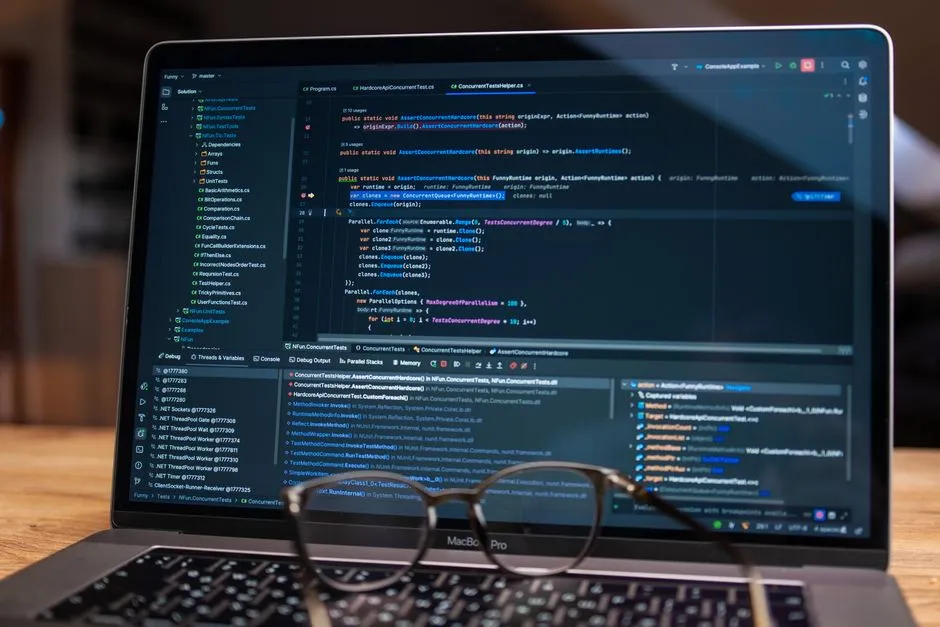
Running Muse Glimmer locally requires hardware with high memory bandwidth and throughput. High-end consumer desktops with discrete graphics cards, like the Nvidia GeForce RTX 5090 (24 GB to 32 GB VRAM), are the primary target for PC workstations using frameworks like llama.cpp. In benchmarks using batch-size-one greedy decoding on the 17 GB K-Quant build, an RTX 5090 generates about 74.9 tokens per second. This throughput allows for real-time responses during interactive coding and function-calling.
On laptops, local execution relies mostly on Apple Silicon platforms with unified memory. Because macOS shares memory between the CPU and GPU, high-tier MacBooks avoid the strict VRAM limits of discrete laptop GPUs. Tests on MacBook Pro systems with M4 Max and M5 Max processors using ExecuTorch and MLX show successful local serving. However, because the OS and background apps share the same pool, a laptop needs a configuration above 24 GB—typically 36 GB, 48 GB, or 64 GB of unified RAM—to avoid memory swapping and thermal throttling.
Speeds are increased by Meta's DFlash speculative-decoding drafter. The DFlash module proposes blocks of 16 tokens at once, which the primary 30B model verifies in a single forward pass. On an RTX 5090, DFlash boosts generation from 74.9 to 233.4 tokens per second—a 3.1x increase. On Apple Silicon, M4 Max performance goes from 23.7 to 37.8 tokens per second (1.5x), while M5 Max systems go from 26.6 to 50.2 tokens per second (1.8x), reducing latency during multi-step reasoning.
Feasibility for standard laptops and mobile smartphones

Despite optimizations, standard consumer laptops with conventional specs cannot host Muse Glimmer locally. Most commercial laptops have 8 GB to 16 GB of RAM and integrated graphics or entry-level GPUs with 4 GB to 8 GB of VRAM. Because the 4-bit quantization profile needs at least 17 GB just for the weights, loading the model on a 16 GB machine causes an immediate allocation failure or system lockup.
Constraints are even tighter for smartphones and handhelds, despite the rise of on-device AI in mobile hardware. Modern flagships typically have 8 GB to 16 GB of unified LPDDR memory, which must handle the OS, radio stacks, display engines, and background services. Even if a 17 GB model could fit in storage, mobile chipsets lack the thermal headroom, power delivery, and memory capacity needed for the 24 GB working memory envelope required for stable inference.
Running Meta's 30B Muse models locally is restricted to high-end workstations and premium laptops and may only be possible for a limited set of users. Users wanting to run AI agents locally should use desktop GPUs with at least 24 GB of VRAM or Apple Silicon laptops with large unified memory buffers. For phones and low-RAM laptops, local execution of 30B models is currently infeasible, requiring a home server or cloud APIs.
References

How to identify fake AI job offers that evade standard red flags
How to integrate Meta's new AI models into existing software development workflows

Related Posts
TECHHow to integrate Meta's new AI models into existing software development workflows
A comprehensive technical guide to integrating Meta's latest Muse models, agentic tools, and APIs into current software development and engineering workflows.
 TECH
TECHComparing Meta Muse Wonder, Anthropic Claude, and OpenAI GPT-4 capabilities
An in-depth performance, pricing, and architectural comparison between Meta's Muse Wonder models, Anthropic's Claude lineup, and OpenAI's frontier offerings.
Popular Posts

Scam detection checklist for recruitment profiles on LinkedIn and Indeed
How to integrate Meta's new AI models into existing software development workflows
Comparing Meta Muse Wonder, Anthropic Claude, and OpenAI GPT-4 capabilities