Ever had a million-dollar app idea but didn't know where to start? Let's break down the mystery. This is your friendly, no-nonsense guide to developing your very first mobile app.
Let’s be real for a second. How many times have you been going about your day, hit a minor inconvenience, and thought, "You know, there should be an app for that"? If you’re anything like me, it’s a weekly, if not daily, occurrence. We live on our phones, and the idea of creating a piece of that digital world—something that could solve a problem, entertain, or connect people—is incredibly alluring. But for most, that's where the dream stalls. The path from a brilliant idea to a functioning app on a screen seems shrouded in mystery, technical jargon, and maybe a little bit of magic.
I used to feel the exact same way. The world of app development felt like an exclusive club for coding prodigies. But I’m here to tell you that the barrier to entry has never been lower. You don’t need to be a Silicon Valley genius to build an app anymore. What you do need is a solid idea, a clear plan, and the persistence to see it through. It’s a journey of a thousand tiny steps, but it’s one of the most rewarding creative processes you can embark on.
This isn't going to be a hyper-technical manual. Think of this as a friendly chat over coffee, where I’ll walk you through the major milestones of app development. We'll demystify the process, from validating your initial spark of an idea to finally launching it into the world. Ready to pull back the curtain?
It All Starts With an Idea (That Solves a Problem)
Every great app starts with a simple premise: it solves a problem for someone. Before you write a single line of code or even think about color schemes, your first job is to become a detective. Your "case" is figuring out if your idea has legs. Is this a problem that only you have, or do others experience it too? A great idea on paper doesn't always translate to a needed product. Honestly, this is where many aspiring developers trip up—they build something they think is cool without ever checking if anyone else will find it useful.
Start by talking to people. Pitch your idea to friends, family, and, most importantly, strangers who fit your target user profile. Watch their reactions. Do their eyes light up? Do they say, "Oh, I would totally use that!"? Or do you get a polite but lukewarm response? This early feedback is gold. It helps you refine, pivot, or even (and this is okay!) abandon an idea that just doesn't have a market. This process is often called idea validation, and it's the foundation of your entire project.
Once you've confirmed people are interested, it's time for some market research. Who are your potential competitors? Download their apps. Use them. What do you love? What drives you crazy? Identify their strengths and, more importantly, their weaknesses. This is where you'll find your opening. Your app doesn't have to reinvent the wheel, but it needs a unique selling proposition (USP). Maybe it’s a cleaner design, a killer feature the competition lacks, or a more focused, niche approach. This initial research phase is what will shape your app's core identity and give you a clear direction.
The Blueprint: Wireframing and User Experience
Now that your idea is validated, it's tempting to jump straight into designing how it will look. But hold on. Before we paint the house, we need to draw up the blueprint. In the app world, this means creating wireframes. Wireframes are basic, black-and-white layouts of your app's screens. They are all about structure and flow, not aesthetics. The goal is to map out the user's journey. What happens when they open the app? How do they get from screen A to screen B? What buttons do they need?
This step is absolutely crucial for defining the User Experience (UX). Good UX is about making your app intuitive, efficient, and enjoyable to use. A beautiful app that's confusing to navigate will be deleted in a heartbeat. I like to use a pen and paper for my initial wireframes. It’s fast, fluid, and you don’t get bogged down in digital tools. Sketch out every screen and draw arrows to show how they connect. Think through every possible action a user might take.
Once you have a solid paper wireframe, you can move on to a digital tool like Figma or Adobe XD to create a clickable prototype. This allows you to simulate the app's flow without any coding. You can put this prototype in front of your potential users and watch how they interact with it. Do they get stuck anywhere? Are they tapping where you expect them to? This user testing, even at this early, lo-fi stage, will save you countless hours of rework later. A smooth, logical user experience is the invisible backbone of every successful app.
Choosing Your Tech: Native, Cross-Platform, or No-Code?
Okay, with a solid plan and blueprint, it's time to talk tech. This is often the most intimidating part, but it doesn't have to be. Broadly, you have three paths you can take to build your app. The first is native development. This means building two separate apps: one for iOS (using Swift or Objective-C) and one for Android (using Kotlin or Java). The main advantage here is performance and seamless integration with the device's features. The downside? It’s expensive and time-consuming, as you're managing two different codebases.
The second, and increasingly popular, option is cross-platform development. Frameworks like React Native and Flutter allow you to write one set of code that works on both iOS and Android. This is a massive advantage for solo developers or small teams. It cuts development time and cost significantly. While there used to be a performance trade-off, these frameworks have gotten so good that for most apps, the user would never know the difference. For a first-time developer, this is often the most practical and efficient route.
Finally, there's the exciting world of no-code or low-code platforms. Tools like Bubble, Adalo, and Glide allow you to build surprisingly powerful apps using visual, drag-and-drop interfaces, with little to no programming required. This is the ultimate democratization of app development. If your app idea is relatively straightforward (e.g., a directory, a marketplace, a simple social network), you might be able to build and launch it without ever writing a line of code. Don't dismiss this option; it's a perfectly valid and incredibly fast way to get your product to market.
The Build, Test, and Launch Cycle
Whether you're coding yourself, hiring a developer, or using a no-code tool, this is where your app comes to life. The development process is a cycle of building features, testing them, fixing bugs, and repeating. It’s never a straight line. You'll build a feature, test it, and realize it doesn't feel right or that you missed a key detail. That's normal. This iterative process is what refines your app from a clunky prototype into a polished product.
Testing is not an afterthought; it's an integral part of the build phase. Test your app on as many different devices as you can. What looks great on your new iPhone might look broken on an older, smaller Android phone. Enlist friends and family (your "beta testers") to use the app and try to break it. They will find bugs and usability issues that you, the creator, are blind to. Listen to their feedback with an open mind.
Finally, the moment you've been working towards: launch day. You'll need to prepare your app store listings, which includes writing a compelling description, taking screenshots, and designing an app icon. You'll then submit your app to Apple's App Store and the Google Play Store. Each has its own review process, which can take anywhere from a few days to a couple of weeks. Getting that "Approved" email is a feeling like no other. But remember, launching isn't the finish line. It's the starting line of a new journey of gathering user feedback, fixing bugs, and planning your next great update.
Building an app is a marathon, not a sprint. It will test your patience and your problem-solving skills. But seeing something that started as a fleeting thought in your mind exist as a real, tangible product in the world is an unparalleled feeling. Don't let the scale of the project intimidate you. Just focus on the very next step, and then the one after that. You might just surprise yourself with what you can create.
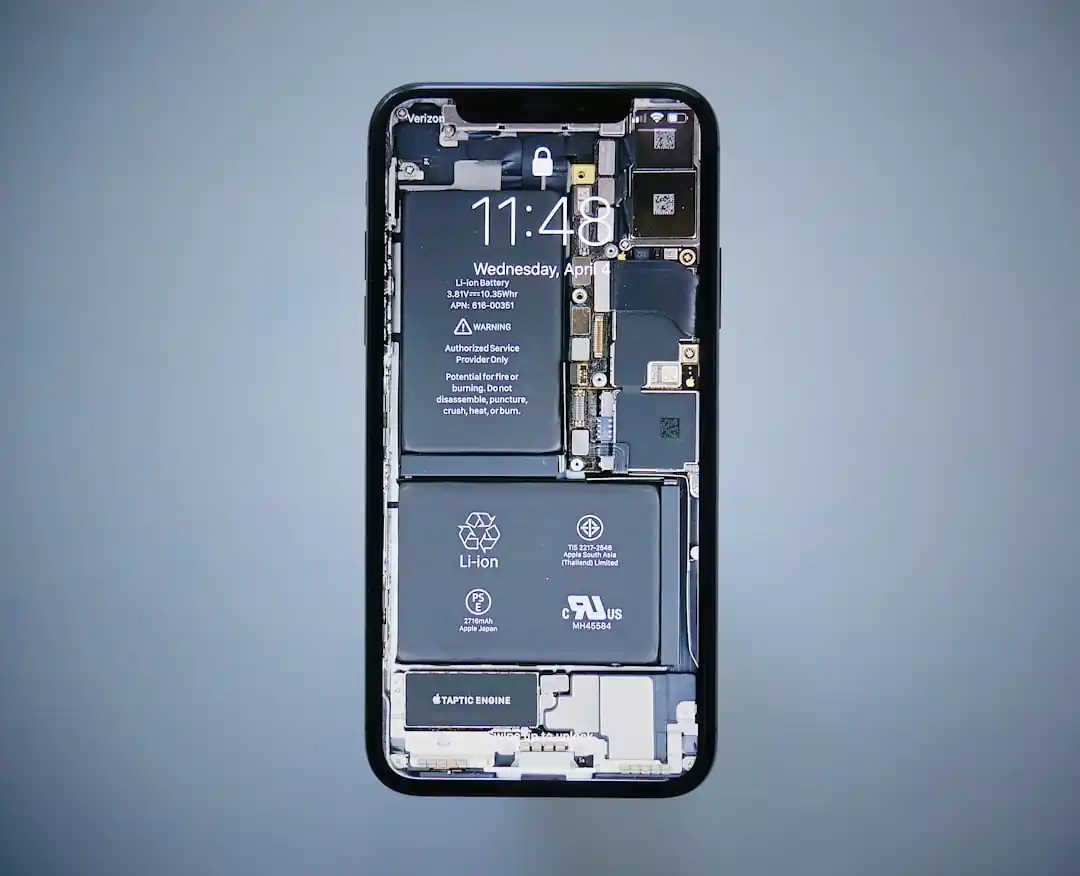
That App You Love? It’s Probably Killing Your Phone Battery
Dubai on a Dime: The Ultimate Guide to Getting Around for Cheap

Related Posts
 MOBILE
The Great Console Debate: How to Choose the Right Gaming System for Your Family
Feeling stuck between a Switch, a PlayStation, and an Xbox? Let's break down which gaming console is the perfect fit for your family's game nights.
 MOBILE
From Fragile to Formidable: The Surprising Evolution of Foldable Phone Durability
Remember when the idea of folding a smartphone screen in half felt like a disaster waiting to happen? Let's talk about how far they've come, because the story is pretty incredible.

Popular Posts

Rethinking Non-Profit Promotion: Creative Strategies That Actually Drive Event Impact

Beyond Stark White: The Best Interior Paint Colors to Light Up Your New Space

How to Actually Master a New Language on Your Own (No Magic Gene Required)
