Native, Cross-Platform, or No-Code? Finding the Best Software for Your Mobile App Idea
Diving into the world of app development can feel overwhelming. Let's break down the real pros and cons of the top software choices to help you find the perfect fit for your project.
So, you have an idea for an app. It’s a feeling that’s almost electric, isn't it? You can see it in your mind—how it will look, how it will work, and how it will make someone's life just a little bit better or more interesting. But then comes the daunting next step: how do you actually build it? Choosing the right software to bring your vision to life is one of the most critical decisions you'll make, and honestly, the sheer number of options can be paralyzing.
I’ve been there, staring at a wall of choices, feeling like I needed a computer science degree just to understand the terminology. Native, cross-platform, hybrid, low-code… what does it all mean? It’s a conversation that happens in startup offices and freelance developer circles across the country. The truth is, there's no single "best" software. The right choice depends entirely on your specific project, your budget, your timeline, and your team's skills.
Let's cut through the noise. Think of this as a friendly chat over coffee where we break down the real-world pros and cons of the major players in the app development game. We'll explore the main paths you can take, from the high-performance world of native development to the efficient, budget-friendly realm of cross-platform and the accessible universe of no-code builders. By the end, you won't have a magic answer, but you'll have the clarity to make an informed one.
The Great Debate: Native vs. Cross-Platform
At the heart of the decision-making process is a fundamental fork in the road: do you build a "native" app or a "cross-platform" one? This choice impacts everything from cost and development speed to the app's ultimate performance and user experience. Understanding this distinction is the essential first step.
Think of native development as commissioning a bespoke suit. You're creating an app specifically for a single operating system. For iPhones, this means using languages like Swift or Objective-C within Apple's Xcode environment. For Android devices, it means using Kotlin or Java in Google's Android Studio. The result is an app that is perfectly tailored to the device. It can access all the phone's features (like the camera, GPS, or contact list) directly and seamlessly. This direct line to the hardware results in the best possible performance, speed, and reliability. The user interface also feels completely natural because it uses the familiar buttons, menus, and gestures of the operating system they use every day.
The downside? It's expensive and time-consuming. If you want your app on both iPhones and Androids, you have to build and maintain two completely separate apps. That means double the code, double the development team (or at least developers skilled in both ecosystems), and double the work for every update and bug fix. It’s a significant investment, but for apps where performance is absolutely critical—like high-end mobile games or complex photo editing software—the uncompromised quality of native is often considered the gold standard.
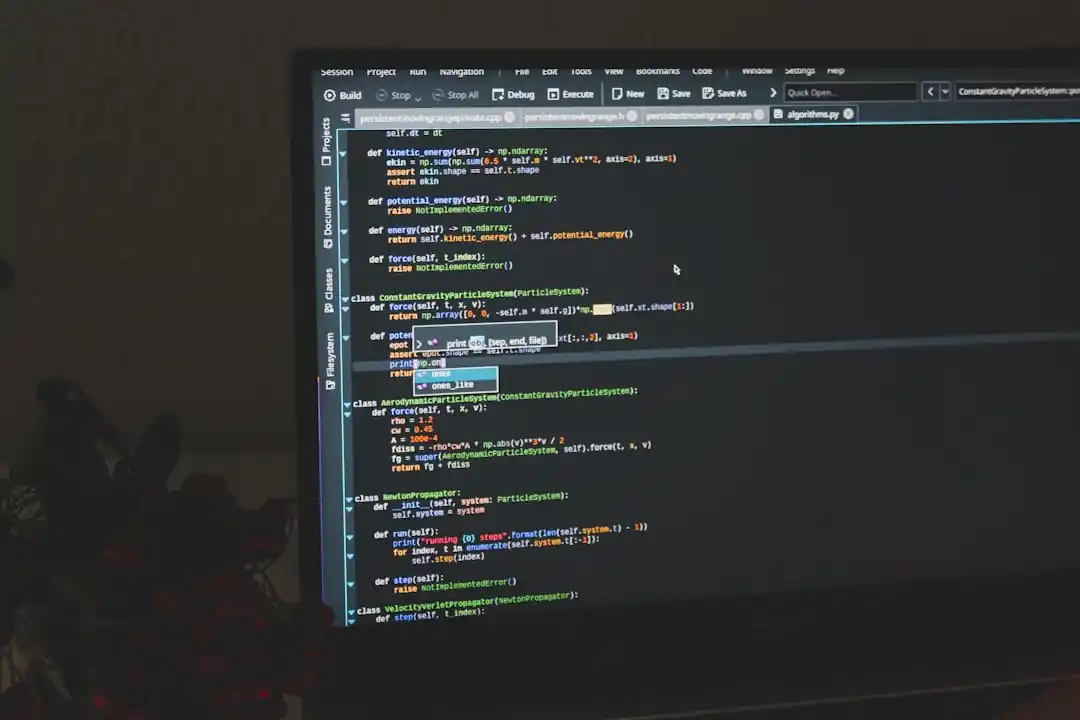
The Power of One: Top Cross-Platform Contenders
If native development is a bespoke suit, cross-platform is like buying a high-quality, ready-to-wear outfit that looks great in any setting. The core idea is simple and powerful: write your code once, and deploy it as a functional app on both iOS and Android. This approach has become incredibly popular, especially for startups and businesses that need to get to market quickly and efficiently. It saves a massive amount of time and money, and the leading frameworks have become so good that for many apps, users would never know the difference.
The undisputed king in this space for years has been React Native. Backed by Meta (formerly Facebook), it allows developers to build mobile apps using the same JavaScript and React library that powers countless websites. For web developers, this is a huge advantage, as it allows them to transition into mobile development without learning a completely new language. The community is massive, meaning there are endless tutorials, pre-built components, and solutions to almost any problem you might encounter. Apps like Instagram, Shopify, and Tesla were all built with React Native, proving it can handle complex, high-traffic applications.
The other major giant is Flutter, Google's answer to cross-platform development. Flutter has been gaining immense popularity, and for good reason. It uses a language called Dart and is known for its ability to create stunning, highly customized user interfaces that perform beautifully. Unlike React Native, which uses native components, Flutter renders its own UI, giving developers pixel-perfect control over the look and feel of the app on any device. This, combined with its "hot reload" feature that lets developers see changes in real-time, makes for an incredibly fast and enjoyable development process. It's a fantastic choice for apps that have a strong, brand-driven design.
A New Frontier: The Rise of No-Code/Low-Code
What if you're not a developer at all? What if your coding skills start and end with a bit of HTML you learned a decade ago? In the past, your only option was to hire an expensive development team. Today, however, there's a third path that has been completely democratizing app creation: no-code and low-code platforms. These tools are revolutionary, allowing entrepreneurs, designers, and small business owners to build and launch fully functional apps using drag-and-drop visual interfaces.
Platforms like Adalo, Bubble, and Glide are leading this charge. They allow you to design your app's interface, connect to databases (like Google Sheets or their own internal ones), and build out complex logic and workflows without writing a single line of code. You can create user accounts, process payments, and build features that once required a team of engineers. It’s an incredibly empowering way to build a Minimum Viable Product (MVP) to test your idea in the real world without a massive upfront investment.
Of course, there are trade-offs. You are limited to the features and design flexibility that the platform offers. You won't be able to build the next Fortnite or create a highly unique, hardware-intensive feature. Scalability can also become a concern for apps that grow to have millions of users. But for a huge number of app ideas—internal business tools, local community apps, simple e-commerce platforms, and content-based apps—no-code is a game-changing and perfectly viable option.
Ultimately, the journey from a simple idea to a living, breathing app on someone's phone is a deeply personal one. There is no right or wrong tool, only the one that best serves your vision, your resources, and your goals. Don't get bogged down by what's trendy; instead, think honestly about your needs. Do you need the raw power and flawless polish of native? The speed and efficiency of cross-platform? Or the accessibility and rapid validation of no-code? The best software is the one that clears the path for you to create, and with today's options, that path is more open than it has ever been.

Finding Your Legal Anchor: A Real-Talk Guide to Choosing a Car Accident Lawyer
That App Idea in Your Head? You Can Build It (Without Writing a Single Line of Code)

Related Posts
 MOBILE
The Great Console Debate: How to Choose the Right Gaming System for Your Family
Feeling stuck between a Switch, a PlayStation, and an Xbox? Let's break down which gaming console is the perfect fit for your family's game nights.
 MOBILE
From Fragile to Formidable: The Surprising Evolution of Foldable Phone Durability
Remember when the idea of folding a smartphone screen in half felt like a disaster waiting to happen? Let's talk about how far they've come, because the story is pretty incredible.

Popular Posts

Rethinking Non-Profit Promotion: Creative Strategies That Actually Drive Event Impact

Beyond Stark White: The Best Interior Paint Colors to Light Up Your New Space

How to Actually Master a New Language on Your Own (No Magic Gene Required)
