The Most Important App on Your Phone Isn't What You Think
Let's be honest, we all have way too many passwords. If you're still using sticky notes or the same password everywhere, it's time for a digital intervention.
Let’s have a little real talk. How many online accounts do you think you have? Ten? Twenty? Fifty? If you’re like most people, the real number is probably well over 100. That’s a hundred different logins for banking, shopping, social media, work, streaming services, and that random food delivery app you used once. Now for the scary question: how many different passwords do you use for all of them?
If you just felt a small pang of anxiety, you’re not alone. For years, I was a card-carrying member of the "let's just add a '!' to the end of my dog's name" club. I reused passwords constantly. I wrote them on sticky notes. I saved them in a document on my desktop titled "Passwords." I was playing a dangerous game, and honestly, I was just waiting to lose.
The breaking point for me was a notification from a service I barely used, informing me that my data had been part of a breach. The panic was instant. Did I use that same password anywhere important? My email? My bank? The frantic scramble to change dozens of passwords was my wake-up call. It was time to stop treating my digital security like an afterthought. It was time for a password manager.
Your Brain Isn't Built for This
Here’s the fundamental problem: our brains are not designed to create and remember dozens of unique, complex, gobbledygook passwords like J#s7&pZ@5!qR*tW. It’s impossible. So, we take shortcuts. We use our kid's birthday, our anniversary, or some variation of Password123. We use the same password across multiple sites because it’s just easier.
And hackers know this. They absolutely count on it. The most common way accounts are compromised isn't through some sophisticated, movie-style hacking sequence. It's often through something called "credential stuffing," where attackers take lists of usernames and passwords from one data breach and systematically try them on other websites. Your reused password is the digital equivalent of using the same key for your house, your car, and your office. Once a criminal gets that one key, they can try opening every door you own.
A password manager completely solves this human-flaw problem. It generates a long, random, and incredibly strong password for every single new account you create. And the best part? You don’t have to remember any of them. The manager does it for you, turning your biggest security weakness—your own memory—into your greatest strength.
What Exactly Is This Digital Vault?
Think of a password manager as a highly secure, encrypted digital vault. Inside this vault, you can store all your passwords, but it doesn't stop there. Most modern password managers can also securely store your credit card information for faster online checkout, your address, secure notes, software licenses, and other sensitive information. It becomes your single source of truth for your entire digital life.
You access this vault with one single, strong password—your "master password." This is the only password you ever have to remember. All the data inside your vault is encrypted, meaning it's scrambled into an unreadable code. It only gets decrypted locally on your device when you unlock it with your master password.
This brings up the most common and perfectly valid question: "But what if the password manager company gets hacked?" It’s a great question, and reputable password managers have a brilliant answer: zero-knowledge architecture. This means your data is encrypted and decrypted on your device, not on their servers. They never have your master password and can't access your data. So even if they were breached, the hackers would only steal a file of useless, scrambled data. The vault is secure, even if the building around it is compromised.
Life Becomes So Much Easier (and Safer)
Getting started with a password manager is far less intimidating than it sounds. Reputable services like 1Password, Bitwarden, or Dashlane are designed to be incredibly user-friendly. They integrate directly into your web browser and phone. When you visit a login page, the manager will pop up, ready to autofill your username and password with a single click or tap.
When you create a new account, it will automatically prompt you to generate and save a new, strong password for that site. No more thinking, no more typing, no more "this password has been seen in a data breach" warnings. It streamlines your entire online experience while cranking your security up to the maximum level.
It might feel like a small change, but outsourcing your password security to a dedicated tool is one of the single most impactful things you can do to protect yourself online. It takes the burden off your brain and places it onto powerful, proven technology designed for one purpose: keeping your digital life safe. After that initial setup, you’ll quickly wonder how you ever lived without it.
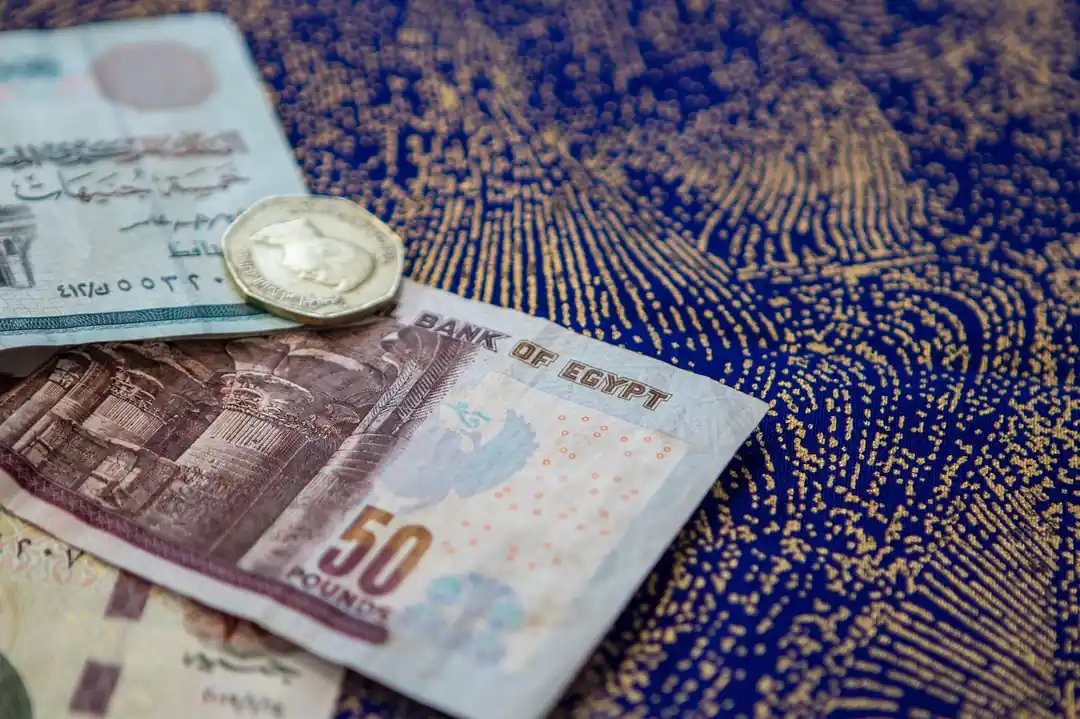
The Traveler's Guide to Baksheesh: Handling Money and Tipping in Egypt
The Unseen Guardian: How AI Is Becoming Our First Line of Defense in Cybersecurity

Related Posts
 MOBILE
The Great Console Debate: How to Choose the Right Gaming System for Your Family
Feeling stuck between a Switch, a PlayStation, and an Xbox? Let's break down which gaming console is the perfect fit for your family's game nights.
 MOBILE
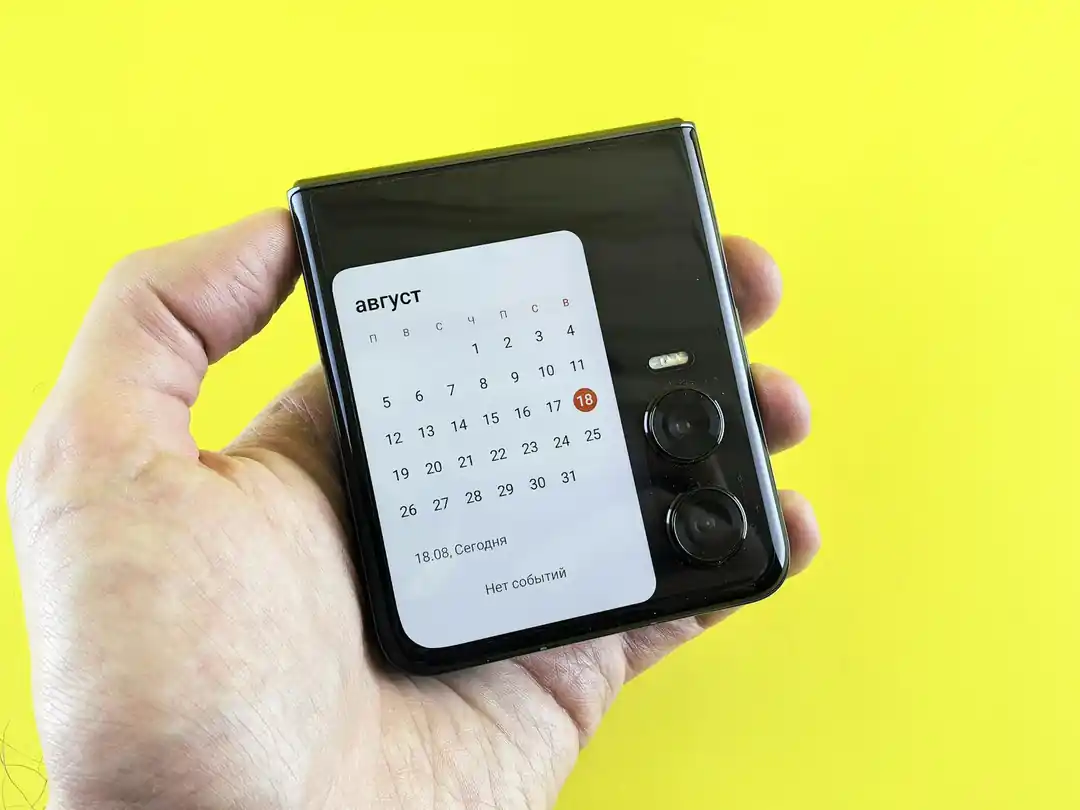
From Fragile to Formidable: The Surprising Evolution of Foldable Phone Durability
Remember when the idea of folding a smartphone screen in half felt like a disaster waiting to happen? Let's talk about how far they've come, because the story is pretty incredible.

Popular Posts
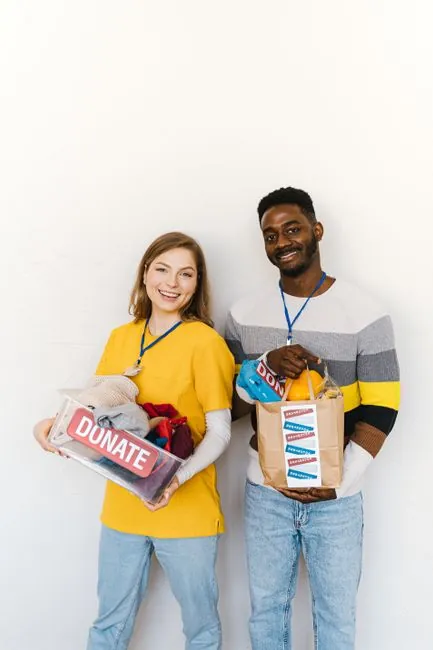
Rethinking Non-Profit Promotion: Creative Strategies That Actually Drive Event Impact

Beyond Stark White: The Best Interior Paint Colors to Light Up Your New Space

How to Actually Master a New Language on Your Own (No Magic Gene Required)